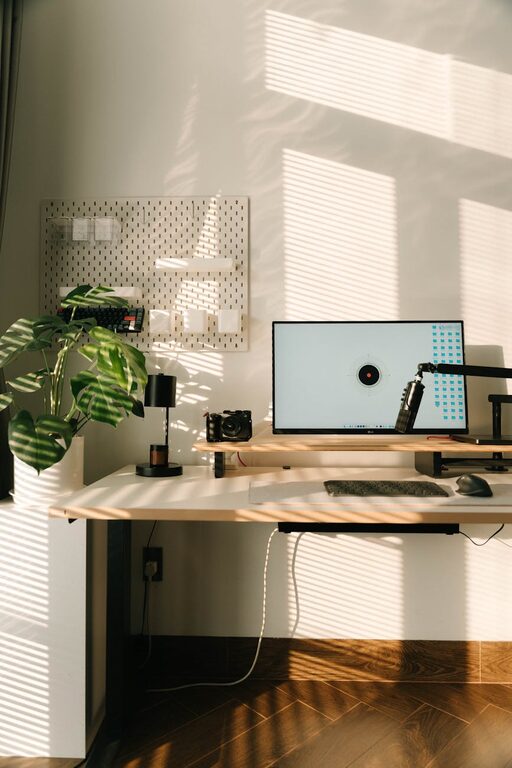
Creating a home workspace that is both cozy and functional can greatly improve your productivity and overall well-being. Whether you work from home full-time, freelancing, or just need a spot to handle personal tasks, a comfortable and organized space makes a big difference. Here are some helpful tips to inspire your own cozy and efficient home workspace setup.
Choose the Right Location
Selecting the right spot in your home is the first step. Ideally, the area should have:
– Natural light: A space near a window can boost mood and reduce eye strain.
– Minimal distractions: Choose a quiet corner or room where interruption is limited.
– Enough space: Ensure there’s room for your desk, chair, and necessary equipment.
If space is tight, consider using a foldable desk or converting a nook into your workspace.
Invest in Comfortable Furniture
Comfort is key to staying focused and avoiding fatigue.
Ergonomic Chair
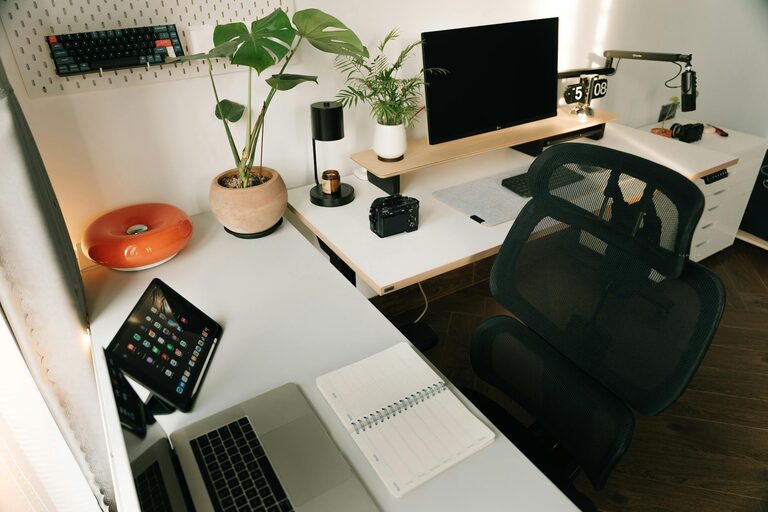
A supportive chair that encourages proper posture can prevent back and neck pain. Look for adjustable height and lumbar support.
Suitable Desk
Pick a desk large enough for your computer, paperwork, and other essentials. Standing desks are another option if you want to alternate positions through the day.
Organize Your Workspace
Clutter can distract and reduce efficiency. Here are some organization tips:
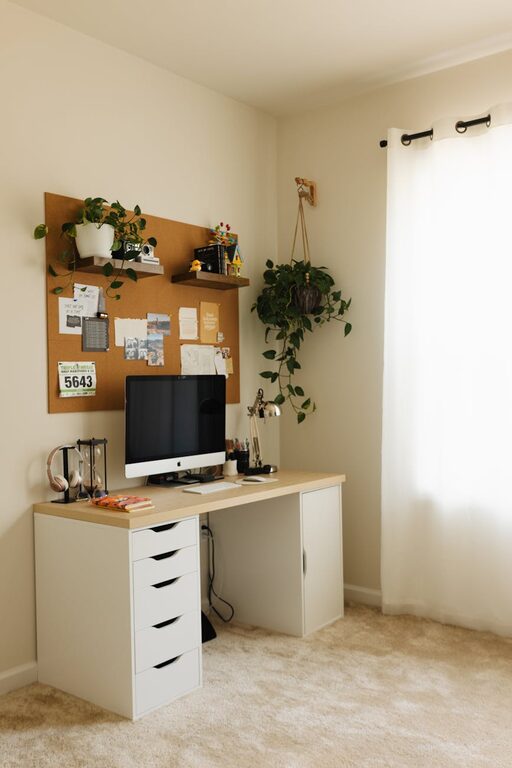
– Use storage solutions: Drawers, shelves, and organizers keep supplies within reach but out of sight.
– Cable management: Use clips or sleeves to keep cords neat and prevent tangling.
– Minimal décor: Keep decorations simple to avoid visual clutter but add personality.
Optimize Lighting
Proper lighting reduces eye strain and enhances focus.
– Natural light: Position your desk to take advantage of daylight without glare on screens.
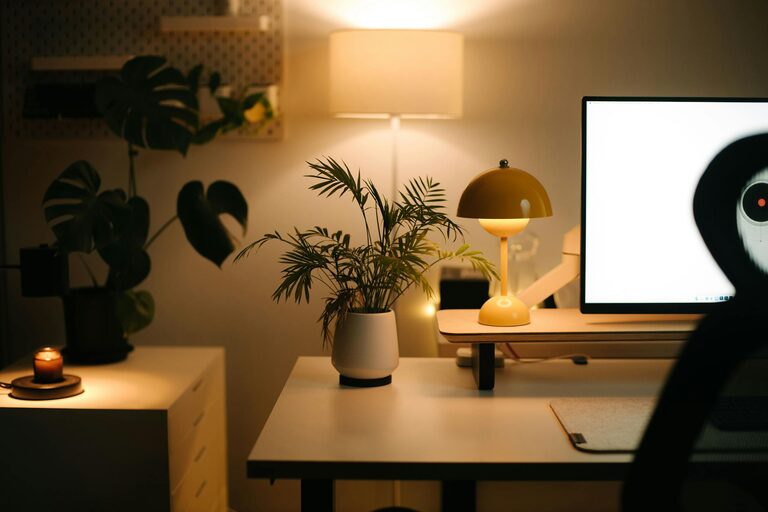
– Task lighting: Use desk lamps with adjustable brightness for working after dark.
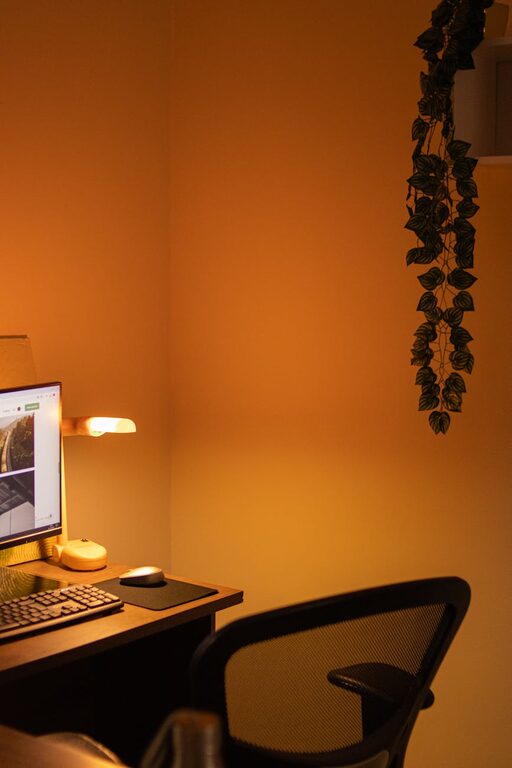
– Avoid harsh overhead lights: Soft, warm lighting creates a cozy atmosphere.
Personalize Your Space
Adding personal touches can make your workspace inviting.
– Plants: Small indoor plants improve air quality and add a touch of nature.
– Artwork: Hang pictures or prints that inspire you.
– Cozy textiles: Consider a soft rug or a comfortable throw blanket on your chair for warmth.
Manage Noise Levels
Background noise can be distracting or comforting, depending on your preference.
– Noise-canceling headphones: Ideal if you prefer silence.
– Soft music or white noise: Can create a pleasant environment for focus.
– Soundproofing: Use rugs, curtains, or soft furnishings to reduce echo.
Maintain a Consistent Routine
Your workspace is more than furniture and décor; it’s about how you use it.
– Start your day by setting a clear schedule.
– Take breaks to stretch and rest your eyes.
– End your workday by tidying your space to separate work from personal life.
Use Technology Wisely
Equip your workspace with technology that enhances productivity.
– Reliable internet connection: Essential for virtual meetings and online work.
– Quality peripherals: Comfortable keyboards, mice, and monitors reduce strain.
– Organizational apps: Use tools like calendars and to-do lists to stay on track.
Keep It Flexible
If your work changes, your space should be able to adapt.
– Modular furniture allows rearranging.
– Mobile storage can be moved as needed.
– Adjustable lighting settings can match different tasks.
—
Creating a cozy and functional home workspace doesn’t have to be complicated. By considering location, comfort, organization, and personalization, you can design a space that supports your daily tasks and feels welcoming. Take time to experiment and adjust your setup until it perfectly suits your needs. Happy decorating!
About the Author