Creating a cozy and functional workspace at home is key to staying productive and comfortable, especially if you spend many hours working remotely. A well-designed space not only helps you focus but also improves your overall work experience. Whether you have a dedicated room or a small nook, there are smart ways to optimize your home office setup. This guide offers practical tips to help you build a workspace that feels inviting and supports your daily tasks.
Choose the Right Location
Consider Natural Light
Selecting a spot with ample natural light can enhance your mood and reduce eye strain. Position your desk near a window if possible, but avoid glare on your computer screen by using adjustable curtains or blinds.
Minimize Distractions
Pick a quiet area in the house where you are less likely to be interrupted. If space is limited, consider room dividers or noise-canceling headphones to create a sense of separation from the rest of your home.
Invest in Comfort
Ergonomic Furniture
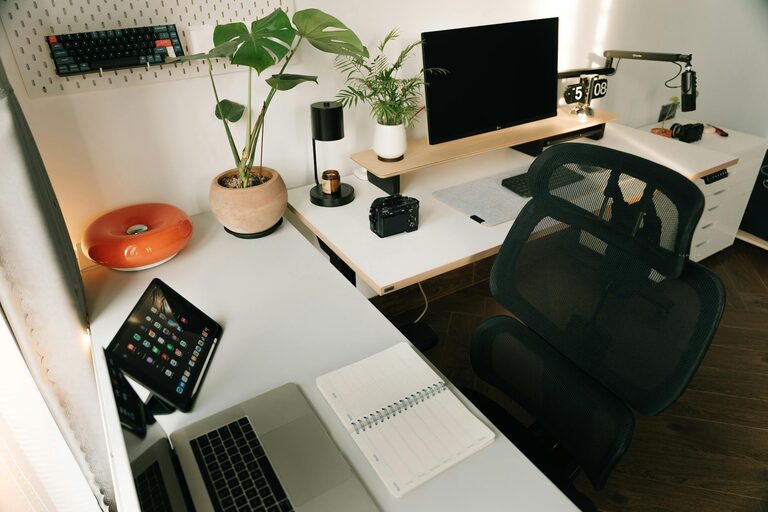
Choose a chair that supports your posture well. Look for adjustable height, lumbar support, and comfortable cushioning. Pair it with a desk at the right height to avoid slouching or straining your wrists.
Add Cozy Touches
Incorporate soft textiles like a plush throw blanket or a small cushion for added warmth. A comfortable rug can also make the workspace feel more inviting and reduce floor coldness.
Organize Efficiently
Declutter Regularly
Keep your desk tidy by removing items you don’t use daily. A clutter-free environment helps reduce stress and makes it easier to focus.
Use Storage Solutions
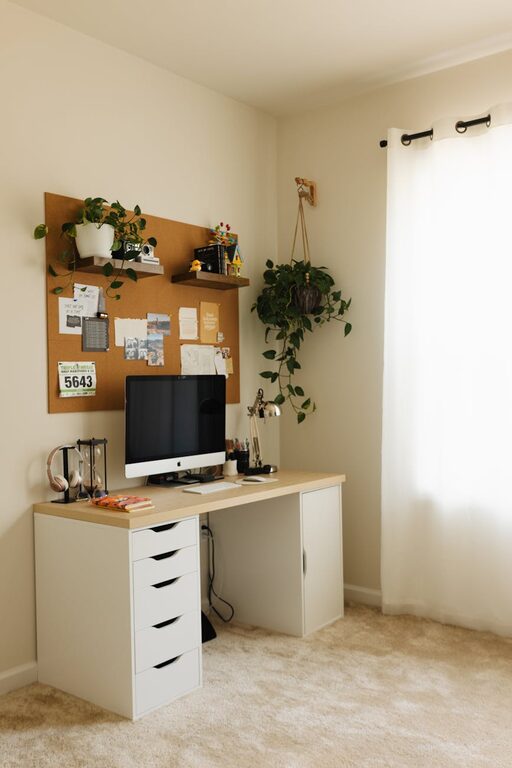
Invest in organizers such as shelves, drawers, or filing cabinets. Use trays or containers to keep small supplies neatly arranged. Labeling storage boxes can save time when searching for documents or tools.
Personalize Your Space
Add Greenery
Houseplants not only brighten up the room but also improve air quality. Choose low-maintenance plants like succulents or snake plants that thrive indoors.
Display Inspiring Items
Include a few personal touches such as photos, artwork, or motivational quotes. These can make the space feel uniquely yours while boosting creativity and positivity.
Optimize Technology Setup
Manage Cables
Use cable organizers or clips to keep wires neat and prevent tangling. Wireless devices can also reduce clutter.
Invest in Quality Equipment
Ensure your computer, keyboard, monitor, and other accessories meet your work needs. A second monitor or an ergonomic keyboard can enhance productivity and comfort.
Control Lighting
Combine Ambient and Task Lighting
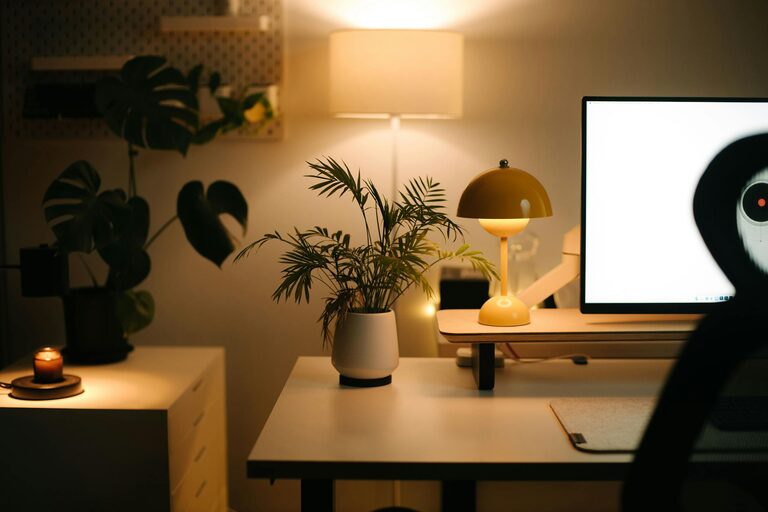
A good balance of lighting is important. Use overhead lights for general illumination and a desk lamp for focused tasks. Adjustable lamps allow you to direct light where you need it most.
Choose Warm Light
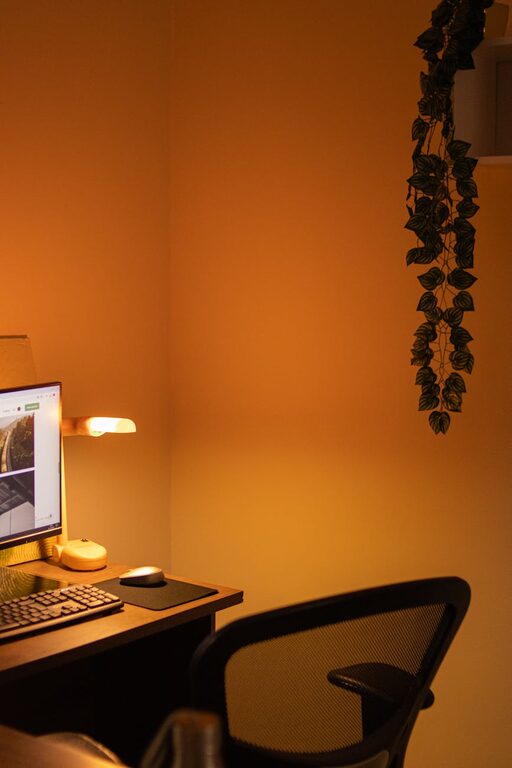
Warm-colored bulbs create a cozy atmosphere. Avoid harsh or overly bright lighting that may cause headaches or eye fatigue.
Maintain a Routine
Set Boundaries
Establish clear work hours and a routine to separate work time from personal life. This helps your brain associate the workspace with productivity.
Take Breaks
Ensure you step away from your desk regularly. Stretching or a short walk lets your eyes rest and reduces physical tension.
Keep it Flexible
Multi-Use Furniture
If your space doubles as another room, select furniture that can serve multiple purposes, such as a foldable desk or a storage ottoman.
Adaptable Layout
Be willing to rearrange your workspace if the current setup doesn’t feel comfortable or efficient. Sometimes small changes can make a big difference.
—
By carefully considering these aspects, you can create a home workspace that balances comfort and functionality. Your ideal workspace should inspire focus and creativity while feeling like a pleasant place to spend your day. With thoughtful planning and personalization, working from home can become more enjoyable and productive.
About the Author