Creating a home workspace that is both organized and productive can greatly improve your work-from-home experience. Whether you work remotely full-time or occasionally need a dedicated area for tasks, having a thoughtfully arranged space helps you stay focused, motivated, and efficient. In this post, we’ll explore valuable tips on setting up and maintaining an ideal home workspace.
Choose the Right Location
Selecting the proper spot in your home is the first step toward a productive workspace. Consider the following:
– Quiet Environment: Pick a space away from household noise and distractions.
– Natural Light: If possible, position your desk near a window to benefit from daylight, which enhances mood and alertness.
– Adequate Space: Ensure there is enough room for your computer, supplies, and comfortable seating.
A separate room or a quiet corner can work well, but if space is limited, create boundaries using furniture or room dividers to define your work area.
Invest in Comfortable and Functional Furniture
Comfort influences how well you focus and how long you can work without strain.
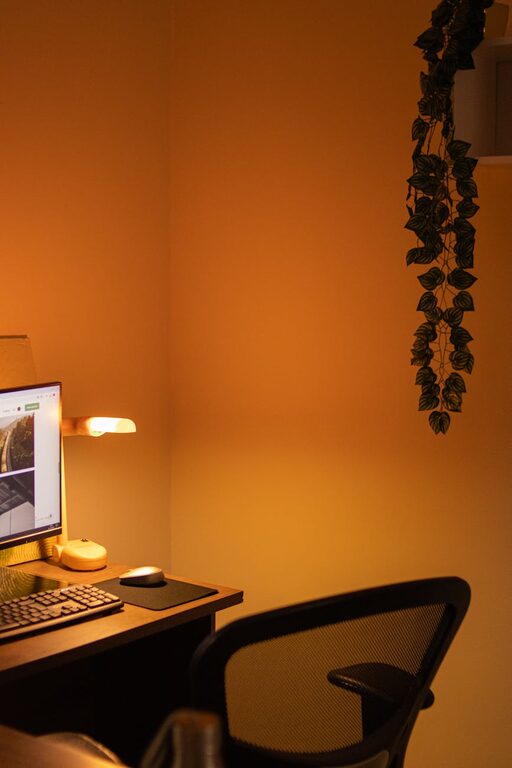
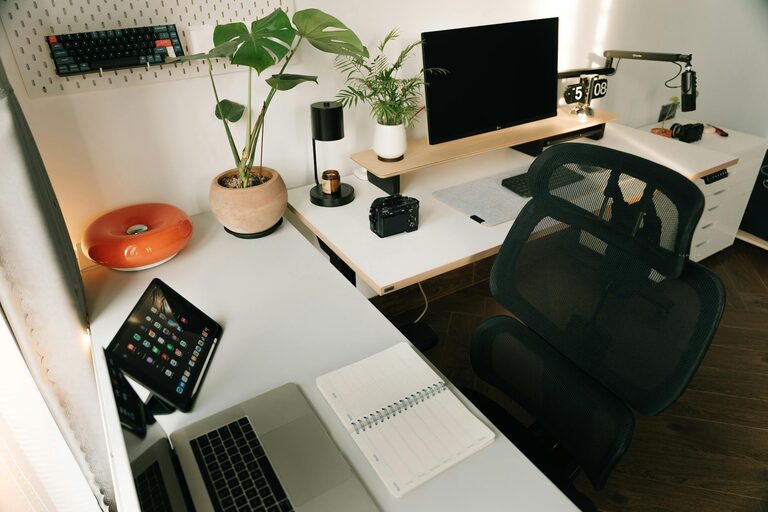
– Ergonomic Chair: Choose a chair with adjustable height and lumbar support to prevent back pain.
– Desk Height: Your desk should allow your wrists to rest comfortably when typing.
– Monitor Position: The top of your screen should be at or just below eye level to avoid neck strain.
Avoid makeshift setups like working on the couch or bed as they can lead to discomfort and reduced productivity.
Declutter and Organize Regularly
A tidy workspace helps clear your mind. Use these strategies:
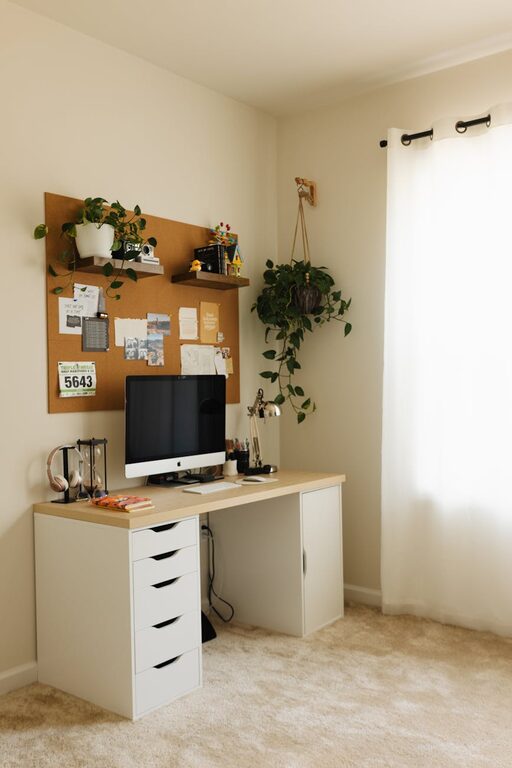
– Minimal Essentials: Keep only what you need on your desk—computer, notepad, pens, and a few personal touches.
– Storage Solutions: Use drawers, shelves, or organizers to keep supplies sorted.
– Cable Management: Use clips or sleeves to keep cords neat and prevent tangling.
Set aside time weekly to tidy up your workspace and file away papers or digital documents.
Optimize Lighting
Good lighting reduces eye strain and creates a pleasant atmosphere.
– Natural Light: Maximize daylight by positioning your workspace near windows.
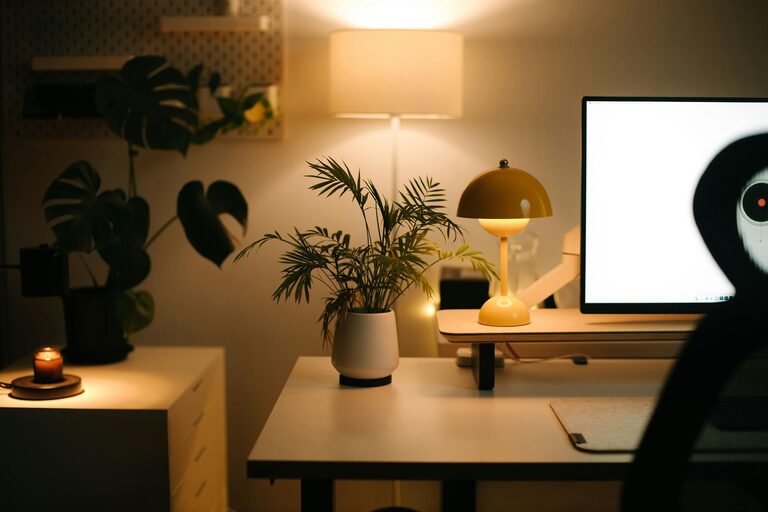
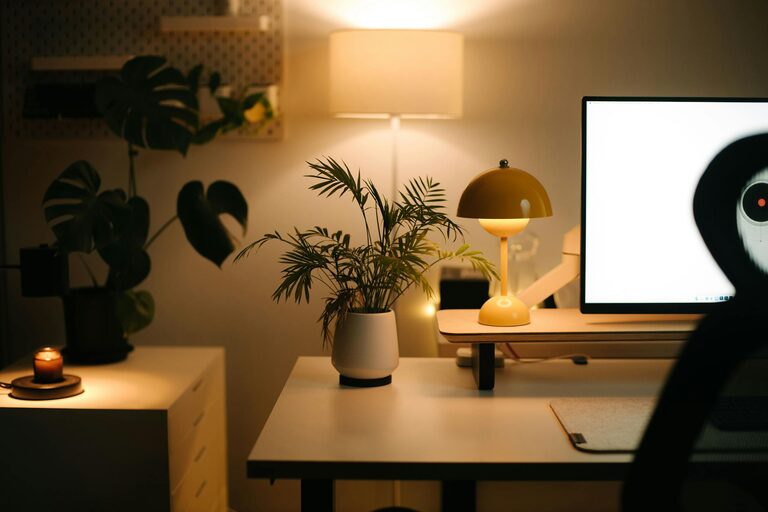
– Task Lighting: Use a desk lamp with adjustable brightness for focused work, especially during evenings.
– Avoid Glare: Position monitors perpendicular to windows to prevent screen glare.
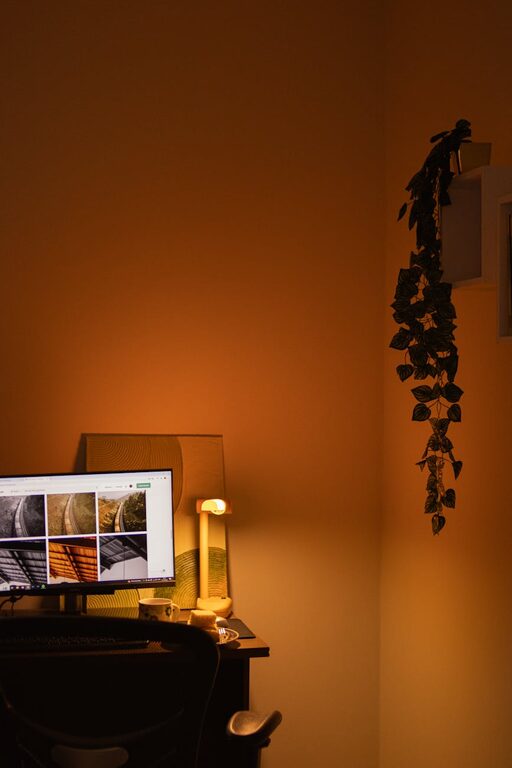
Consider warm or neutral light bulbs to create a comfortable environment.
Personalize Your Space Mindfully
Adding personal touches can boost motivation, but keep it balanced to avoid clutter.
– Plants: Small indoor plants improve air quality and add calm.
– Inspirational Items: Photos, artwork, or quotes can provide positive energy.
– Color Scheme: Choose calming colors for walls or accessories to promote focus.
Update decorations periodically to keep your environment fresh and inspiring.
Establish a Workflow System
An organized workflow saves time and reduces stress.
– Task Lists: Use to-do lists or digital apps to keep track of priorities.
– Calendar Management: Schedule breaks and deadlines to structure your day.
– Document Organization: Create logical folders on your computer and keep physical documents labeled and sorted.
Review your system regularly and adjust to fit your working style.
Minimize Distractions
Creating boundaries helps reduce interruptions.
– Set Boundaries: Communicate work hours to family or roommates.
– Turn Off Notifications: Silence non-essential phone or computer alerts while working.
– Use Headphones: Noise-cancelling headphones can help you concentrate in noisy environments.
Taking control of your environment keeps your focus sharp.
Incorporate Breaks and Movement
Sitting for prolonged periods can decrease productivity and well-being.
– Scheduled Breaks: Take short breaks every hour to rest your eyes and stretch.
– Movement: Stand up, walk around, or do simple exercises to boost energy.
– Hydration and Snacks: Keep water and healthy snacks nearby to stay nourished.
A healthy balance between work and rest is essential for sustained productivity.
Maintain Technology Efficiency
Reliable technology is crucial for smooth workflows.
– Regular Updates: Keep your software and devices updated to avoid glitches.
– Backup System: Use cloud storage or external drives to protect important files.
– Fast Internet: Ensure your internet connection supports your work needs.
Investing time in technology upkeep prevents avoidable disruptions.
—
By following these tips, you can create a home workspace that promotes concentration, minimizes stress, and maximizes your productivity. Remember, the ideal setup reflects your personal preferences and needs, so take time to customize your environment and habits until they feel just right. Happy working!
About the Author