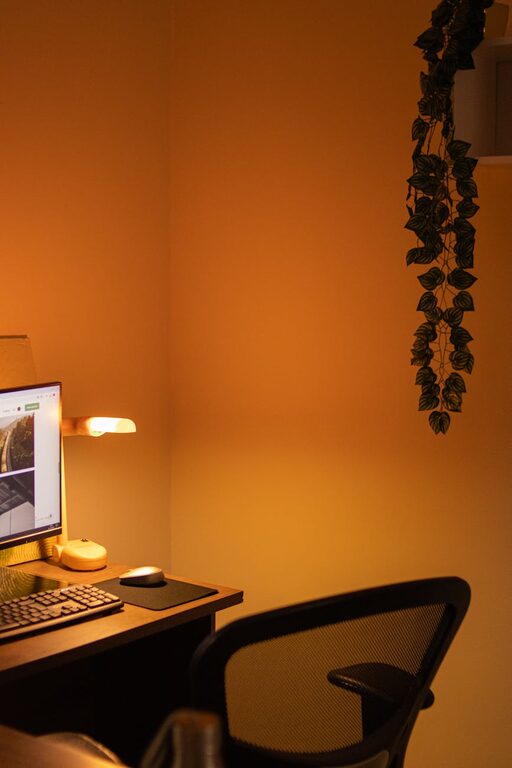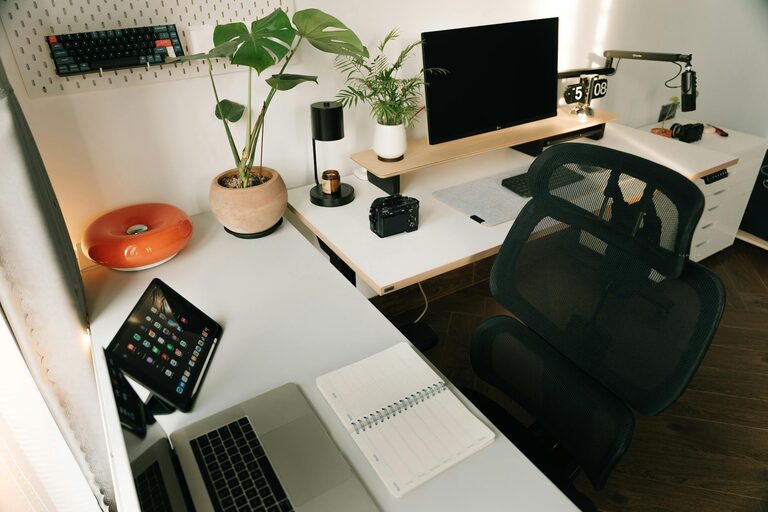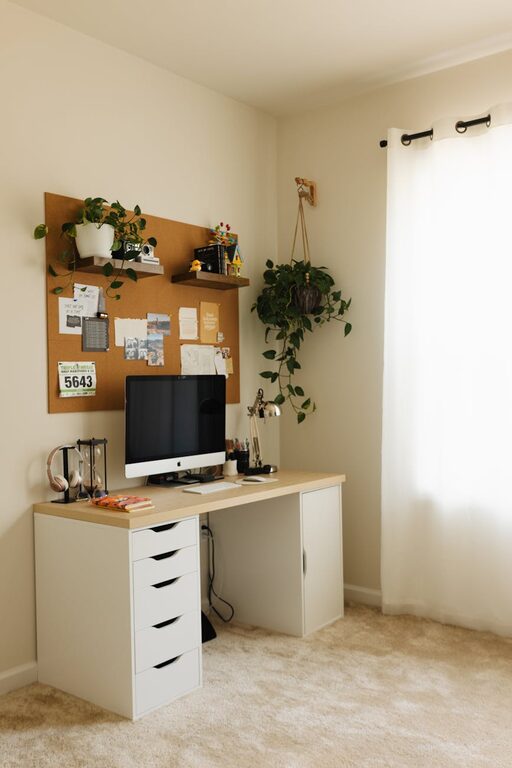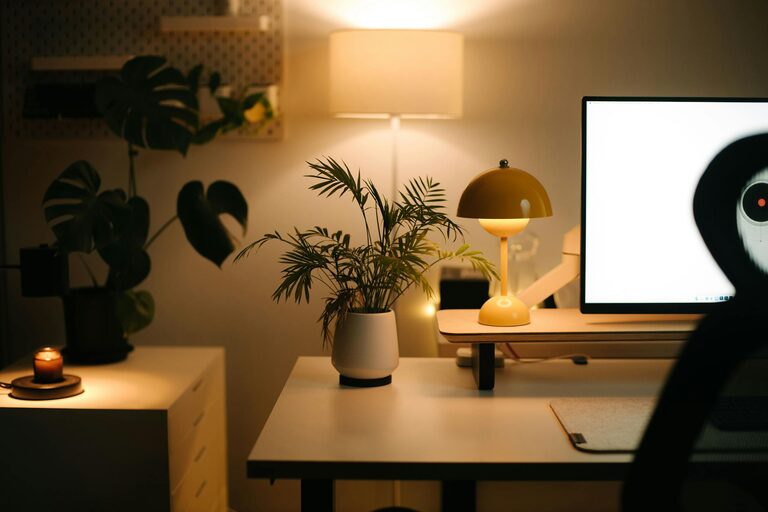
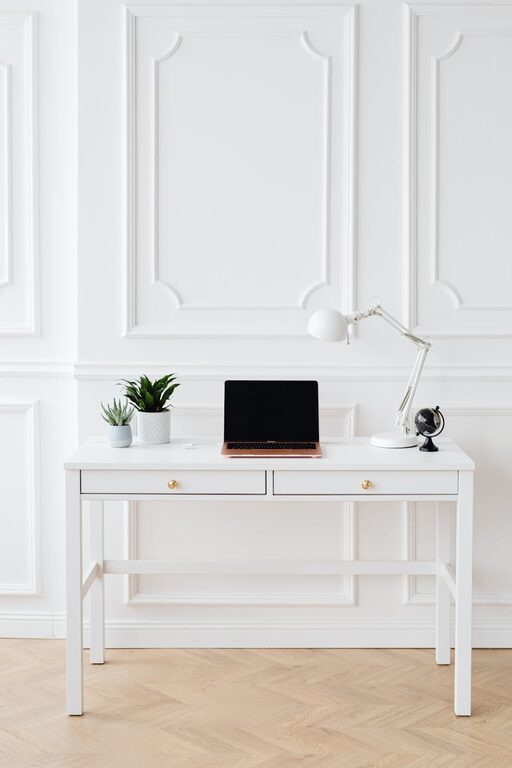
Creating a comfortable and efficient home office is vital for staying productive and motivated. However, clutter can quickly take over any workspace, leading to distractions and stress. Organizing your home office not only keeps it tidy but also creates a more enjoyable place to work. In this post, we’ll explore helpful tips to organize a clutter-free home office workspace.
Why Organizing Your Home Office Matters
A well-organized workspace helps improve focus, reduces time spent searching for items, and promotes a sense of calm. When your home office is clutter-free, it’s easier to maintain good habits and productivity throughout the workday.
Assess Your Current Workspace
Start by taking a good look at your existing office setup. Ask yourself:
– What items do I use daily?
– Which items can be stored away?
– Are there unnecessary objects that I can remove?
This assessment helps you decide what to keep and what to let go of, making the organizing process smoother.
Declutter: The First Step to Organization
Before organizing, eliminate clutter. Here’s how:
Sort Items Into Categories
– Keep: Items you use regularly.
– Store: Items needed occasionally.
– Discard/Donate: Items you no longer need or use.
Clear Your Desk Surface
Keep only essential items on your desk such as your computer, a notebook, and a pen holder. This creates more workspace and reduces distractions.
Digitize Paperwork
Reduce paper clutter by scanning important documents and storing them digitally. Use cloud services or external hard drives to keep these files organized and accessible.
Optimize Storage Solutions
Smart storage can make all the difference in keeping your office clutter-free.
Use Drawers Wisely
Assign specific drawers for certain items like stationery, cables, or documents. Use drawer organizers or dividers to avoid jumbled contents.
Invest in Shelving Units and Cabinets
Shelves and cabinets help store books, files, and equipment neatly. Open shelves allow easy access, while closed cabinets keep things out of sight.
Utilize Desk Organizers
Desk trays, pen holders, and cable organizers keep small items neat and accessible.
Create Zones in Your Workspace
Designate areas within your home office for different tasks.
– Work Zone: Main desk area for computer work.
– Reference Zone: Shelves or file holders for reference materials.
– Supply Zone: A designated spot for office supplies.
Zoning helps reduce clutter build-up by keeping everything in its place.
Maintain Cable Management
Cables can quickly become tangled and messy.
– Use cable clips or ties to bundle cords.
– Label cables for quick identification.
– Consider wireless devices to reduce cable clutter.
Keep a Daily Clean-Up Routine
At the end of each workday, spend five to ten minutes tidying your workspace.
– Put away items that were used.
– Dispose of trash and unnecessary papers.
– Wipe down surfaces to keep the area clean.
This simple habit helps prevent clutter from piling up over time.
Personalize Without Overcrowding
Add personal touches like photos or plants, but keep decorations minimal. A few well-placed items can make your office welcoming without causing clutter.
Lighting and Ergonomics
While not directly related to clutter, good lighting and ergonomic setup improve comfort and productivity.
– Use natural light when possible.
– Position your monitor to avoid glare.
– Use ergonomic chairs and desks to maintain good posture.
Conclusion
A clutter-free home office is achievable with a little planning and consistent effort. By decluttering regularly, utilizing smart storage solutions, and keeping your workspace organized, you create an environment that supports your best work. Remember, the goal is to keep your office tidy, functional, and inspiring day after day.
Start organizing today and enjoy the benefits of a clutter-free workspace!
About the Author